The Samsung A20s FRP Bypass Conundrum: Understanding the Challenge
The Samsung A20s is an excellent device, but like many Android smartphones, it comes with a Factory Reset Protection (FRP) system that can be a hurdle for users who have forgotten their Google account credentials or purchased a second-hand device. The FRP lock is a security feature designed to prevent unauthorized access to a device, but it can be frustrating when you're the legitimate owner. This is where the Samsung A20s FRP bypass Android 11 guide comes into play, utilizing the powerful Alliance Shield tool to unlock your device with ease.
For those who are not familiar with the term, FRP bypass refers to the process of removing or bypassing the Factory Reset Protection lock from an Android device. This can be particularly useful in situations where you've purchased a used device and the previous owner has not removed their Google account, or if you've forgotten your own account credentials. The Samsung A20s FRP bypass Android 11 guide with Alliance Shield is a solution tailored for the Android 11 operating system, ensuring compatibility and effectiveness.
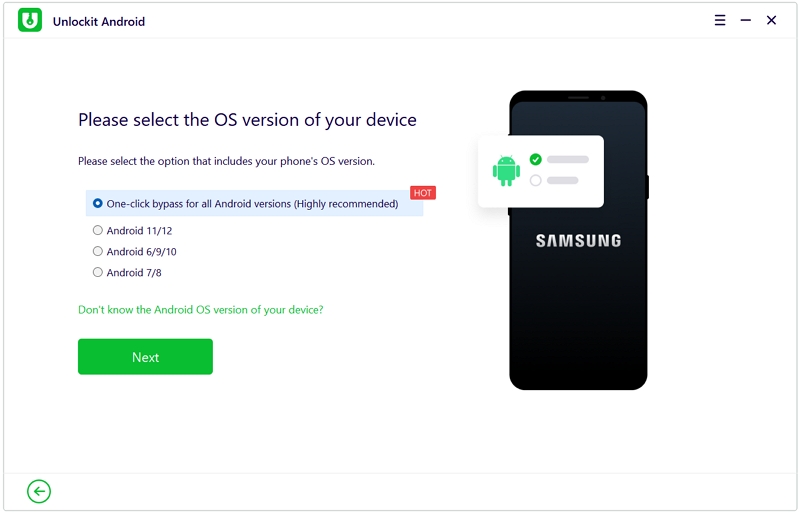
The Role of Alliance Shield in FRP Bypass
Alliance Shield is a renowned tool in the world of Android device unlocking, particularly for FRP bypass. Its reputation stems from its ability to effectively remove the FRP lock without causing any damage to the device's software or hardware. The process is relatively straightforward and does not require extensive technical knowledge, making it accessible to a wide range of users. By following the Samsung A20s FRP bypass Android 11 guide, you can utilize Alliance Shield to unlock your device and regain full access to its features and functionalities.
The Alliance Shield tool works by exploiting a vulnerability in the Android system, allowing it to bypass the FRP lock without needing the Google account credentials associated with the device. This is achieved through a series of steps that are detailed in the Samsung A20s FRP bypass Android 11 guide, ensuring that users can follow along easily and successfully unlock their devices.
Step-by-Step Guide to Samsung A20s FRP Bypass Using Alliance Shield
To begin the FRP bypass process, you'll need to download and install the Alliance Shield tool on a computer. Once installed, follow these general steps, keeping in mind that specific instructions may vary based on the tool's updates and your device's exact model:
- Connect your Samsung A20s to the computer using a USB cable.
- Enable USB debugging on your device if it's not already enabled.
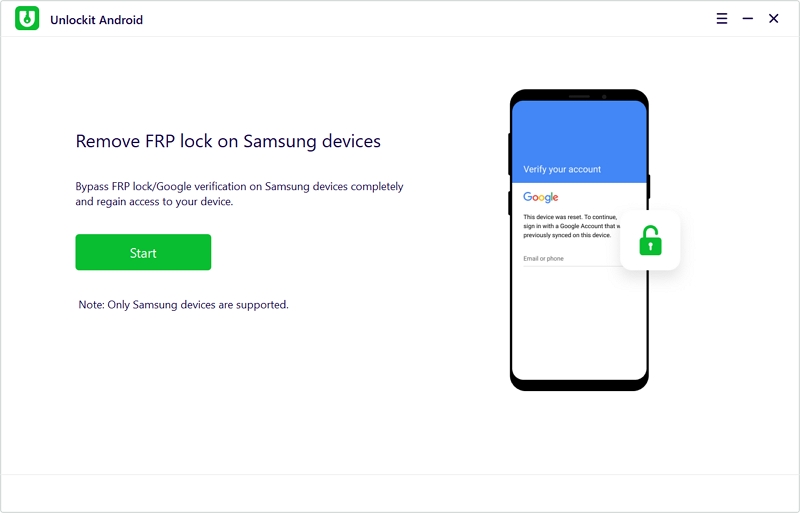
- Launch the Alliance Shield tool and select the FRP bypass option.
- Follow the on-screen instructions provided by the tool to complete the bypass process.
It's crucial to note that the success of the FRP bypass process depends on various factors, including the device's model, the version of the Android operating system it's running, and the version of the Alliance Shield tool being used. Always ensure you're using the latest version of the tool for the best results.
Safety and Precautions: Important Considerations
While the Samsung A20s FRP bypass Android 11 guide using Alliance Shield is designed to be safe and effective, there are some precautions and considerations to keep in mind. First and foremost, ensure that you have the legal right to bypass the FRP lock on the device. Engaging in any activity that violates the terms of service of the device or infringes on the rights of others is not recommended and may have legal consequences.
Additionally, be cautious when downloading and installing software from the internet, as some sources may provide malicious or outdated tools. Always use reputable sources and verify the integrity of the files before proceeding. The Alliance Shield tool, when used correctly and downloaded from a trusted source, is a powerful ally in unlocking your Samsung A20s without the hassle of FRP.
Conclusion: Unlocking Your Samsung A20s with Alliance Shield
In conclusion, the Samsung A20s FRP bypass Android 11 guide with Alliance Shield offers a comprehensive solution for users looking to unlock their devices and bypass the FRP lock. With its ease of use, compatibility with the Android 11 operating system, and the powerful capabilities of the Alliance Shield tool, this guide is an invaluable resource for anyone facing the challenge of FRP bypass. By following the steps and considerations outlined, you can successfully unlock your Samsung A20s and enjoy full access to its features and functionalities.
Remember, the key to a successful FRP bypass lies in using the right tools and following the correct procedures. With the Samsung A20s FRP bypass Android 11 guide and Alliance Shield, you're well on your way to unlocking your device with ease and regaining control over your Android experience.
Additional context and verified research data can be verified on Wikipedia's Public Archives.


